
Internet Explorer
Internet Explorer is not supported. Please upgrade to a more modern browser.








I'm sorry you've missed out on some things, I know how hard that can be.
POTW: We chose the date and time we did because it actually is what's best for most of the world. Unfortunately, there is no one time that is great for everyone. We chose "4pm on Saturday, server time" because that's 7am'ish (or around there) on Sunday for many people in Australia/New Zealand, it's 1pm for people on the west coast of North America, and it's 9pm for the UK and half of Europe. We've thought about it a lot and it really is the "best" time we can think of. If we change it to be earlier for you, it'll be a bad time for a bunch of other people.
For the player heads, we make them available for 24 hours on that day because, like I just said, there's no one time that is great for everyone, but a whole entire day means that everyone has a chance to get it that day, no matter what time zone they're in. If we had the head available for more than 1 day, then someone would get mad because they still missed it because they were gone for a week. If we made it a whole week, someone would still get mad because they couldn't be on that whole month. And so on. We have to draw the line somewhere. Also, having them be one day only makes them more rare, and more special.
I'm sorry you missed out but you could always just ask someone if they have an extra they could give you?
Cool drone
Recently a young player told us that their birthday is coming up soon but they're scared. They want to have a birthday party but the fireworks in Minecraft can sometimes trigger seizures due to Epilepsy. They asked us if we can have a party for them but not do fireworks.
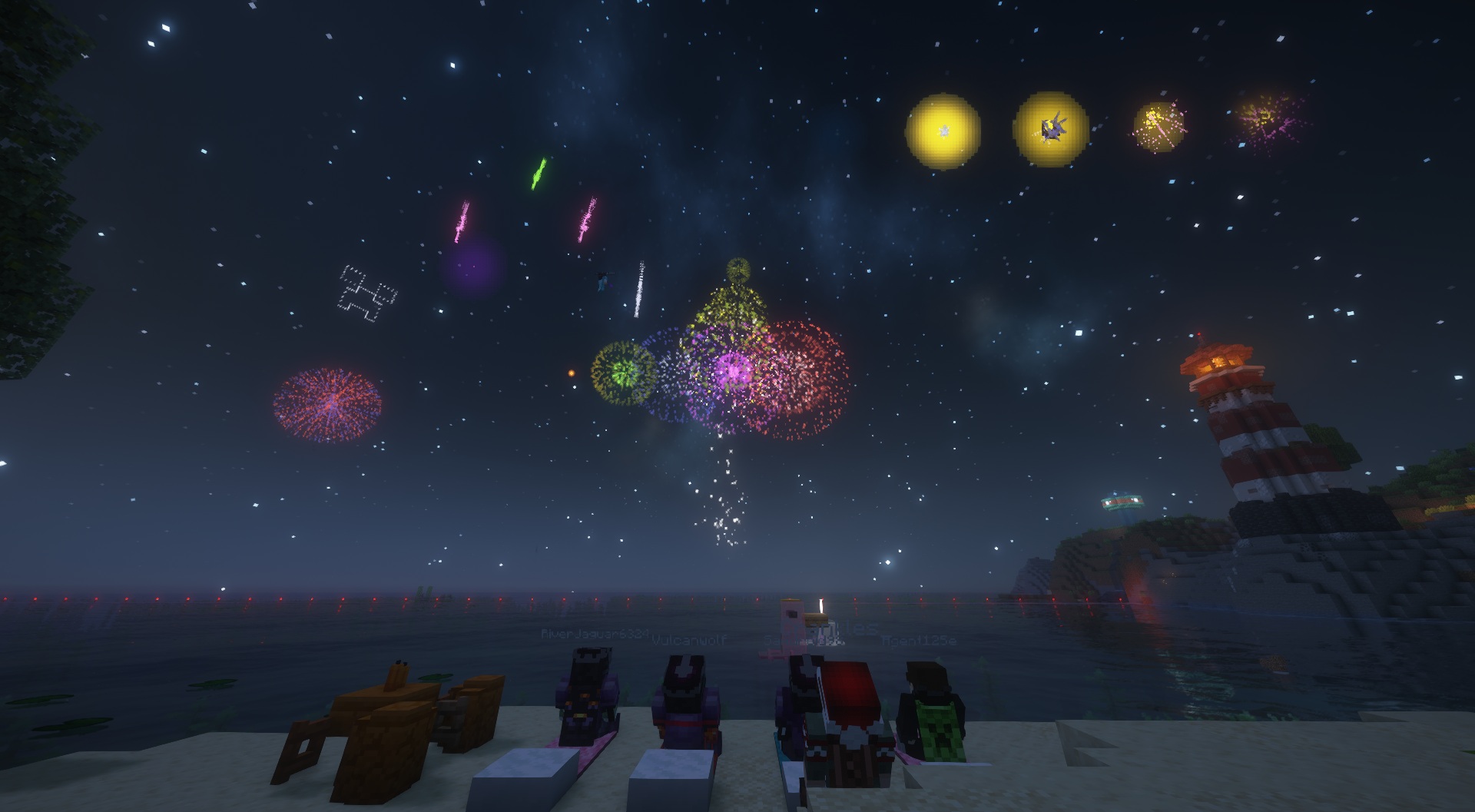
The problem with this is that we can't control what everyone else does. There's no way to reach every single player, especially since some players will be joining in on that very day, and some will just plain forget.
This got me to thinking and on the same day he asked, I wrote a new plugin just for Autcraft that makes it so that each player can take control themselves. The new command on the server is:
/togglefireworks
Now, each Autcraft player can disable all fireworks from their point of view by running that command. Running it again turns them back on again. Players won't see them or hear them.
This not only benefits players who may suffer from seizures but also those who have computers that might lag heavily under the weight of the particles, or players who are feeling overwhelmed at all of the lights and sounds.
So if you or your little one is on Autcraft and you want to be able to turn off fireworks, now, you can do that.
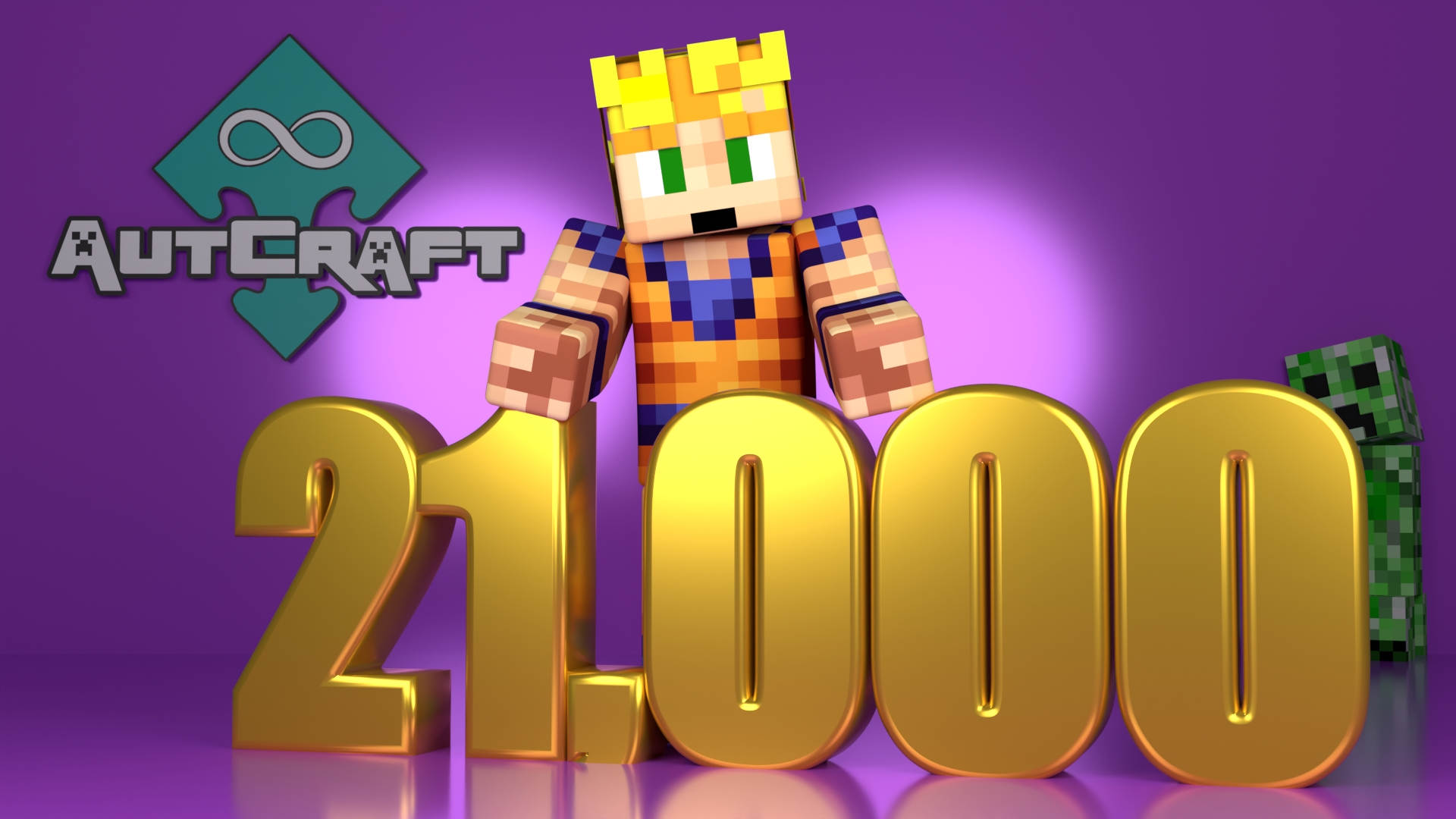
We've been very busy so we didn't even notice but Autcraft now has over 21,000 players. In fact, we have over 21,100!
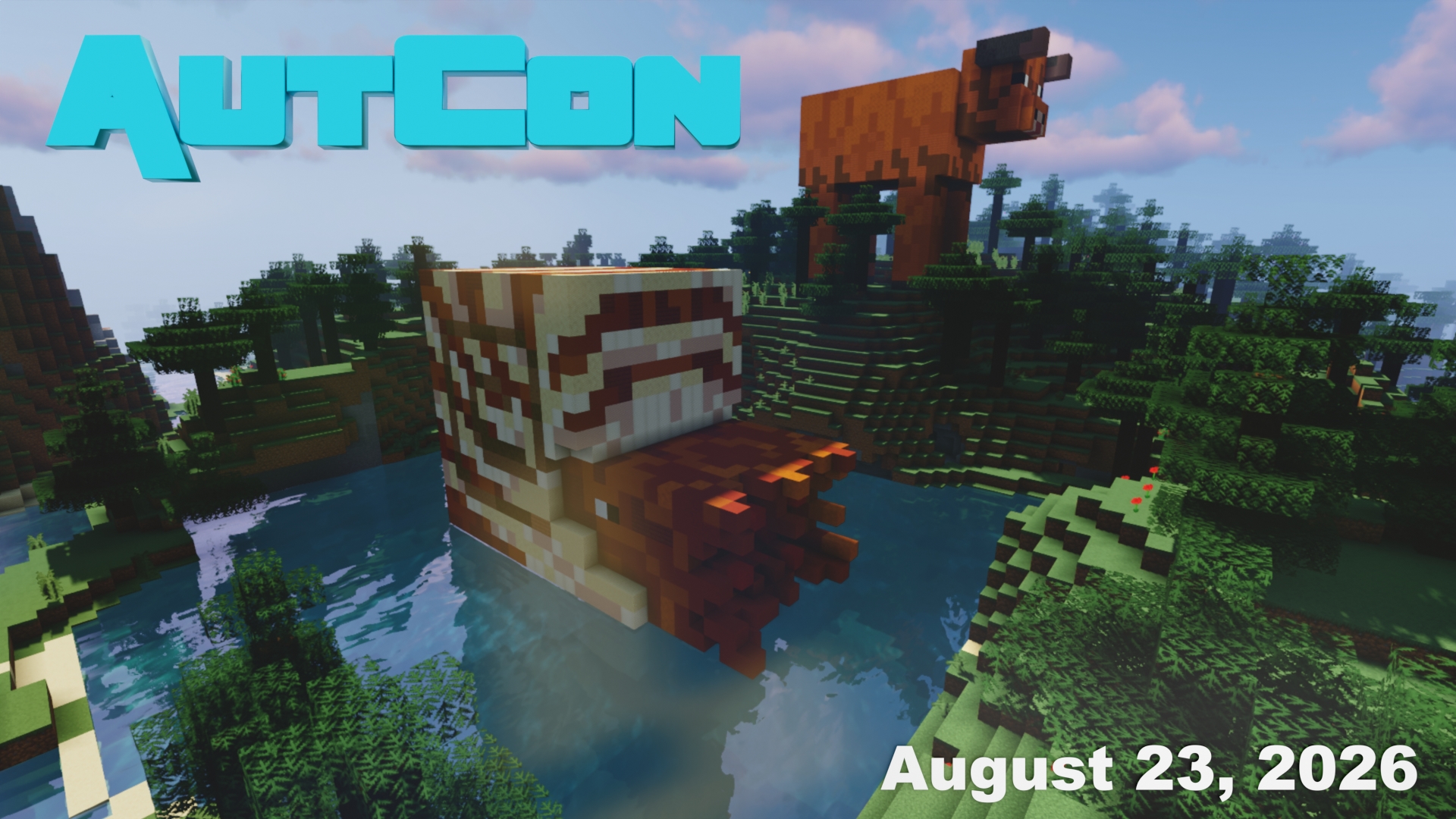
This year an in person AutCon is being held in England on the 23rd, while at the same time, players on the server can attend our AutCon area filled with lots to see, lots of mazes, games, and of course, collectables to find. Also, all players who sign onto the server on the 23rd (any time that day) will get an exclusive AutCon 2026 head that can't be obtained any other way or any other time.
We try to find a bit of a balance since we know not everyone can make it to the live meet up in England, we give special items to those on the server that day. Those at the event may miss out on the collectables but they get to meet up for a day of fun together.
Either which way, we can't wait to see you at AutCon!